Speech instead of conversion
The engines VoiceKeyboard uses for Japanese recognise whole phrases and write them out with kanji, hiragana and katakana already chosen. The text is typed into the active window as if you had entered and confirmed it yourself, so it works in Word, a browser, LINE for PC or a chat with an AI.
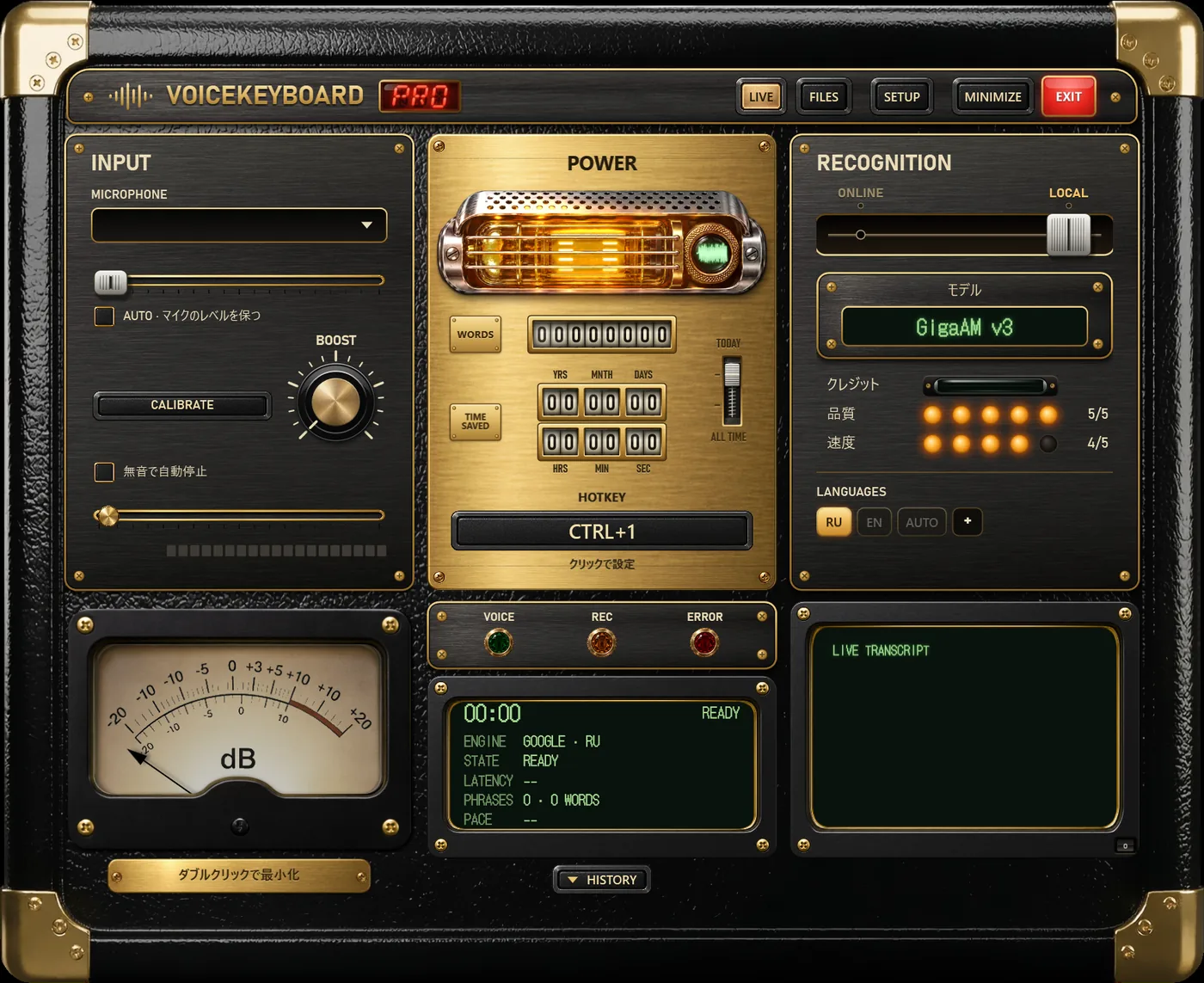
Press Ctrl+1, speak, press it again. The hotkey can be changed in the app.
Four engines for Japanese
| Engine | Where | Text appears | Plan | Notes |
|---|---|---|---|---|
| Soniox | online | while you speak | Pro | detects Japanese and English by itself, long recordings |
| Standard (Google) | online | while you speak | Free | one language at a time; choose the JA key |
| Whisper | on your PC | after each phrase | Free | offline; the turbo and large sizes are the ones to use for Japanese |
| Vosk | on your PC | while you speak | Free | a small Japanese model for slower computers |
Parakeet, the European-languages model, and the two Russian models do not understand Japanese. When one of them is selected, the JA key on the language row is dimmed, so you can see at a glance which engine can hear you.
Japanese and English together
Business Japanese is full of English terms and katakana loanwords. If you mix in English phrases, Soniox is the engine that handles it, because it tells the two languages apart word by word. Whisper on AUTO picks one language per recording. The Standard engine and Vosk listen only to the language whose key is lit.
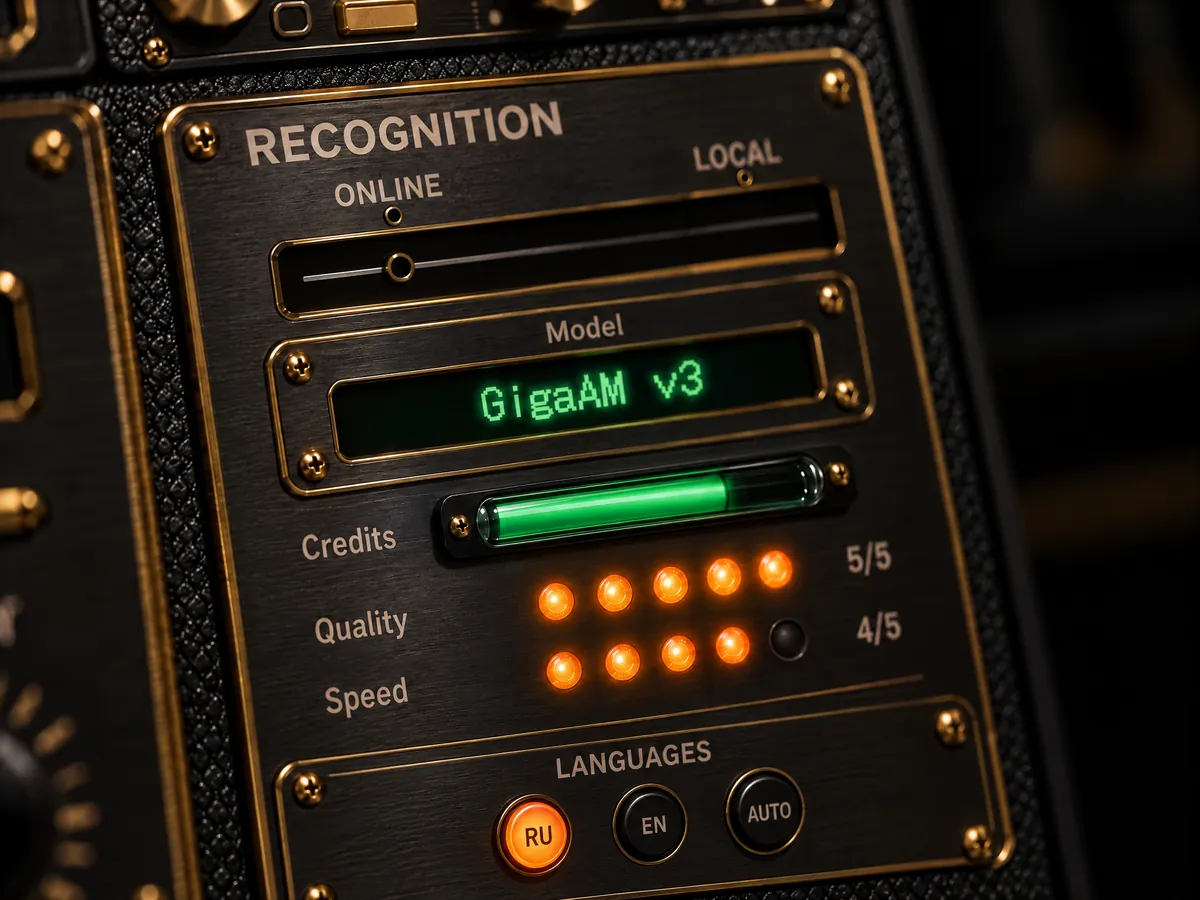
To add a language key, press + at the end of the language row and tick the languages you use.
The interface in Japanese
Menus, panels and tips are translated into Japanese: モデル, クレジット, 品質, 速度. The interface language is set in SETUP and is separate from the dictation language.
Free and Pro
Free
- A daily allowance on any engine (2,000 words a day on the free plan).
- Whisper and Vosk offline, the Standard engine online.
- One audio or video file and one video link a day transcribed to text, up to 60 minutes each.
- Not included: Soniox.
Pro
- No daily limit with the Standard engine and offline models.
- Soniox, 1,500 minutes a month, for mixed Japanese and English and long meetings.
- Files and links without limits.
- Unused Soniox minutes do not move to the next month.
Pro is $14.99 a month or $9.99 a month billed yearly, with a 14-day refund.