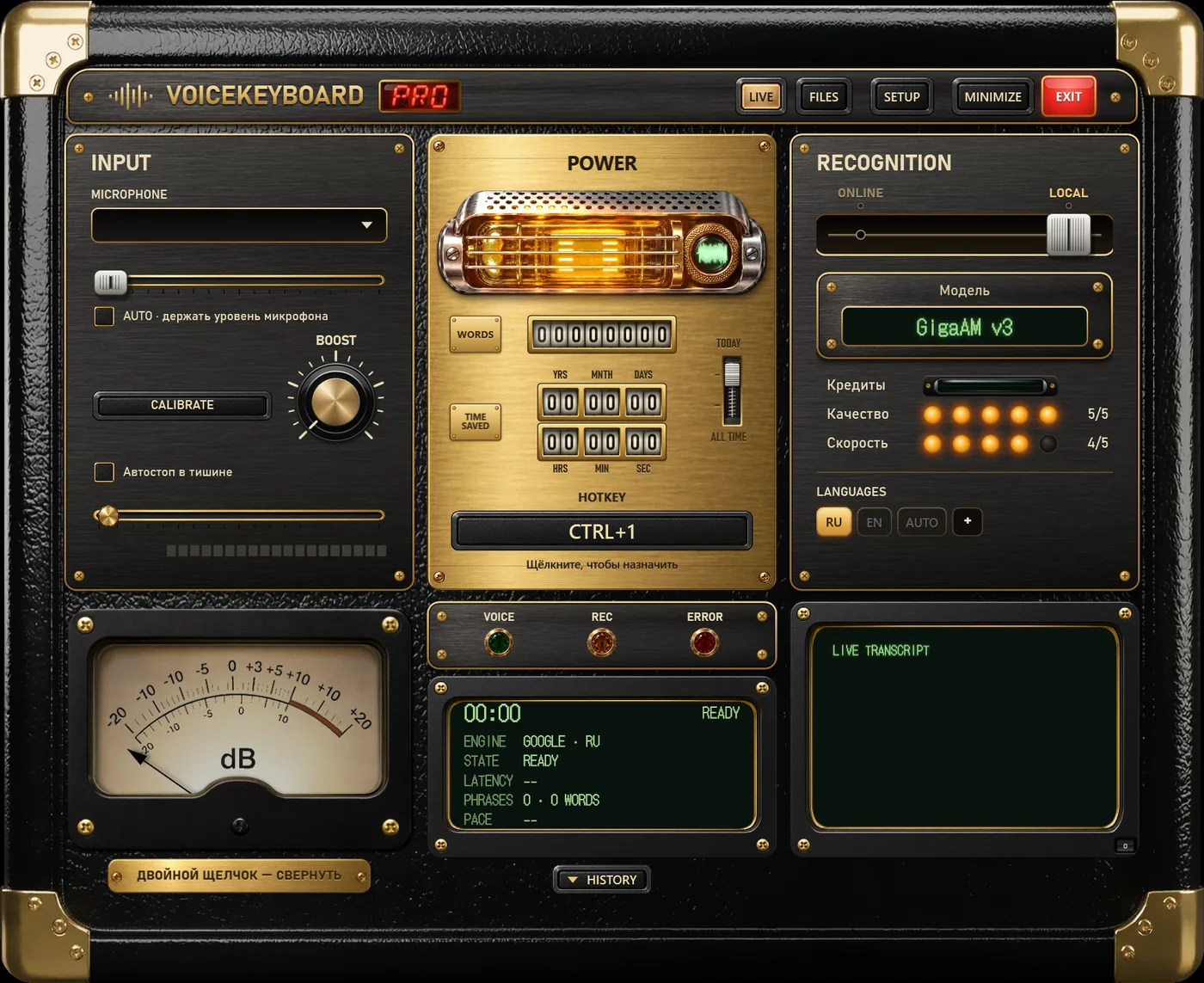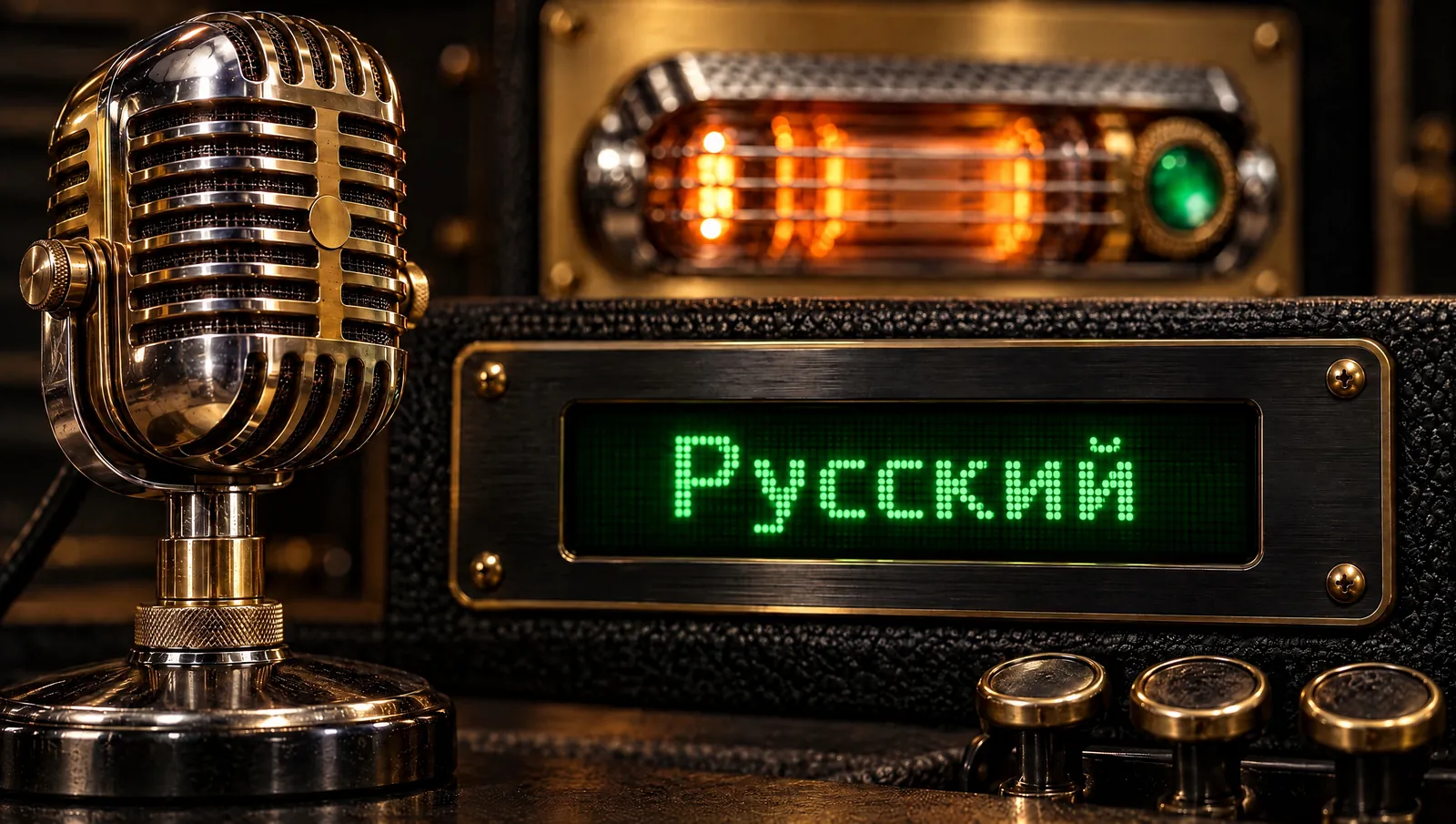
Two models made only for Russian
Most speech engines treat Russian as one of many languages. VoiceKeyboard also ships two offline models trained for Russian alone, and they behave quite differently.
- GigaAM v3 by Sber, about 232 MB. The most accurate offline option for Russian. It adds punctuation and capital letters, and the text appears after each phrase, when you pause.
- T-one by T-Bank, about 144 MB. Types while you speak, so you see the words immediately, but without punctuation. Good for quick messages and search queries, less so for a letter.
Both download once inside the app and then work without the internet. Your voice stays on the computer.
All seven engines for Russian
| Engine | Where | Text appears | Plan | Worth knowing |
|---|---|---|---|---|
| GigaAM v3 | on your PC | after each phrase | Free | the most accurate offline, with punctuation |
| T-one | on your PC | while you speak | Free | fast, no punctuation |
| Parakeet v3 | on your PC | after each phrase | Free | Russian plus 24 European languages, detects which one you speak |
| Whisper | on your PC | after each phrase | Free | about 99 languages on AUTO; small and larger sizes handle Russian well |
| Vosk | on your PC | while you speak | Free | a light Russian model for older computers |
| Standard (Google) | online | while you speak | Free | one language at a time, nothing to download |
| Soniox | online | while you speak | Pro | the most accurate online engine, mixes Russian and English in one sentence, long recordings |
Russian with English words
Work speech in Russian is full of English: deploy, pull request, Excel, дедлайн. A model that hears only Russian will spell those words in Cyrillic or guess a Russian word that sounds similar. If your texts mix languages, use Soniox, or Whisper and Parakeet with the AUTO key. If they do not, GigaAM is the better choice.
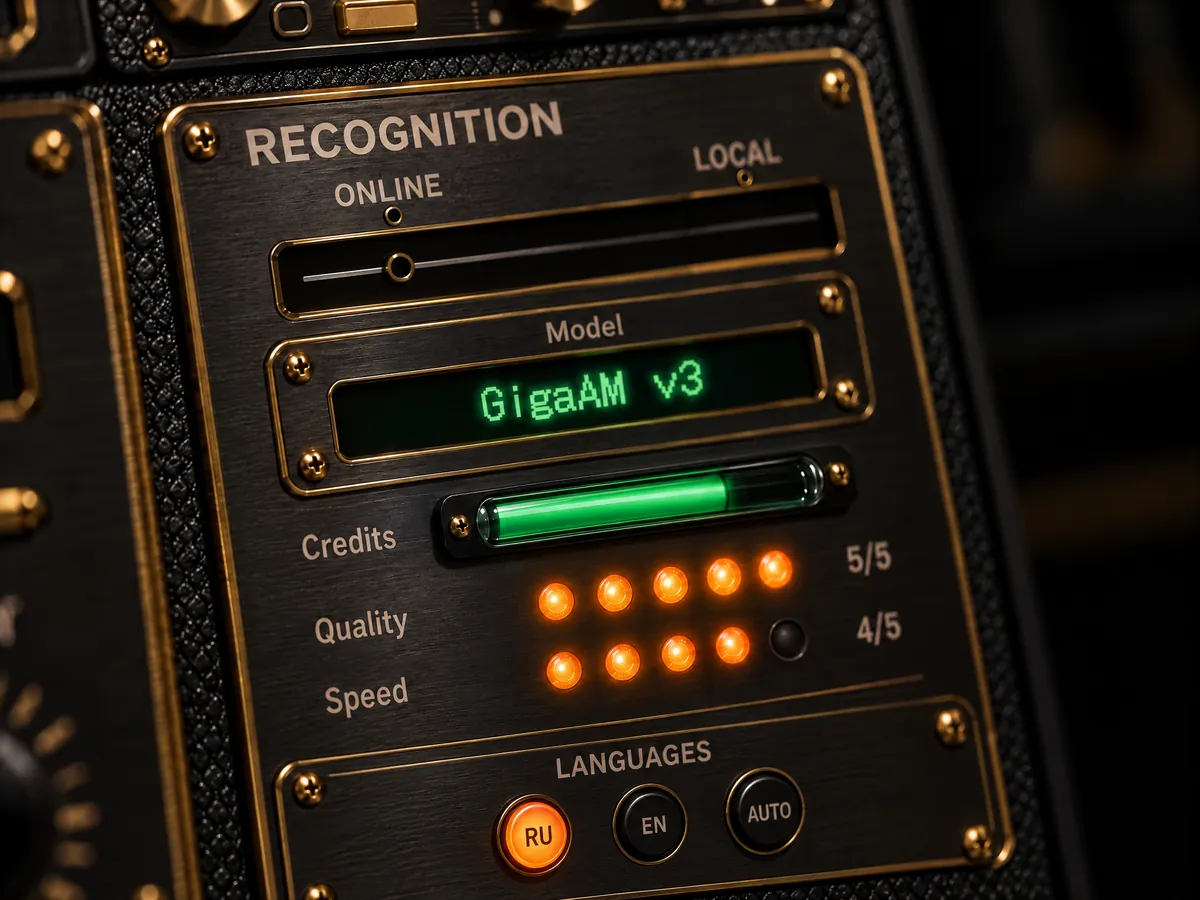
The language keys on the RECOGNITION panel switch the language for the current engine, and the app remembers the choice per engine. The + key adds languages to the row.
Free or Pro
Free
- 2,000 words a day across all engines, GigaAM and T-one included.
- The interface in Russian.
- One file and one video link a day, up to 60 minutes each, transcribed offline.
- Limit: once the 2,000 words are used, dictation waits until midnight.
Pro
- No daily limit on offline models and the Standard engine.
- Soniox, 1,500 minutes a month, for mixed Russian and English and for long meetings.
- Files and links without limits, a queue of several at once.
- Limit: Soniox minutes renew monthly and the unused ones do not carry over.
Pro is $14.99 a month or $9.99 a month on a yearly plan, with a 14-day refund. Sales are not available in Russia.