Hindi in Devanagari, in any app
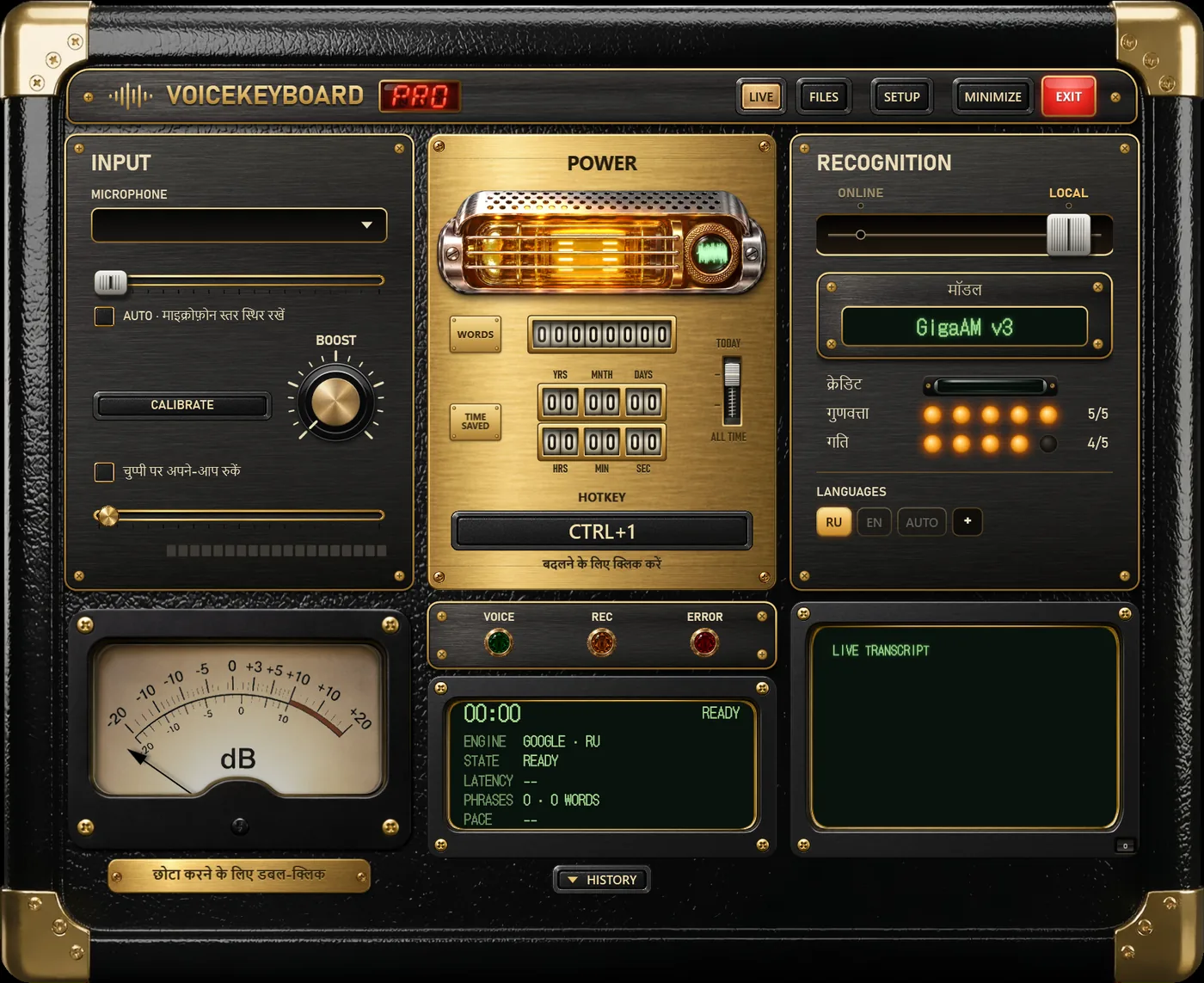
Put the cursor where the text should go, press Ctrl+1 and speak in Hindi. The words are typed in Devanagari straight into that window. Press Ctrl+1 again to stop. There is no copy and paste from a website and no separate Hindi font to install: Windows already shows Devanagari.
Four engines that understand Hindi
| Engine | Where | Text appears | Plan | Notes |
|---|---|---|---|---|
| Standard (Google) | online | while you speak | Free | choose the HI key; one language at a time |
| Soniox | online | while you speak | Pro | recognises Hindi and English on its own, also inside one sentence |
| Whisper | on your PC | after each phrase | Free | works without internet; use the turbo or large size for Hindi |
| Vosk | on your PC | while you speak | Free | a small Hindi model, fine for older laptops |
Parakeet and the two Russian models do not support Hindi; with them selected, the HI key is dimmed.
Hinglish: English words in Hindi speech
Most people say "meeting", "file", "download" or "office" in the middle of a Hindi sentence. A Hindi-only setting usually writes such words the way they sound, in Devanagari (मीटिंग, फ़ाइल). That is usually what you want in a Hindi message. If you need the English words in Latin letters, Soniox is the engine to use, because it tells Hindi and English apart word by word.
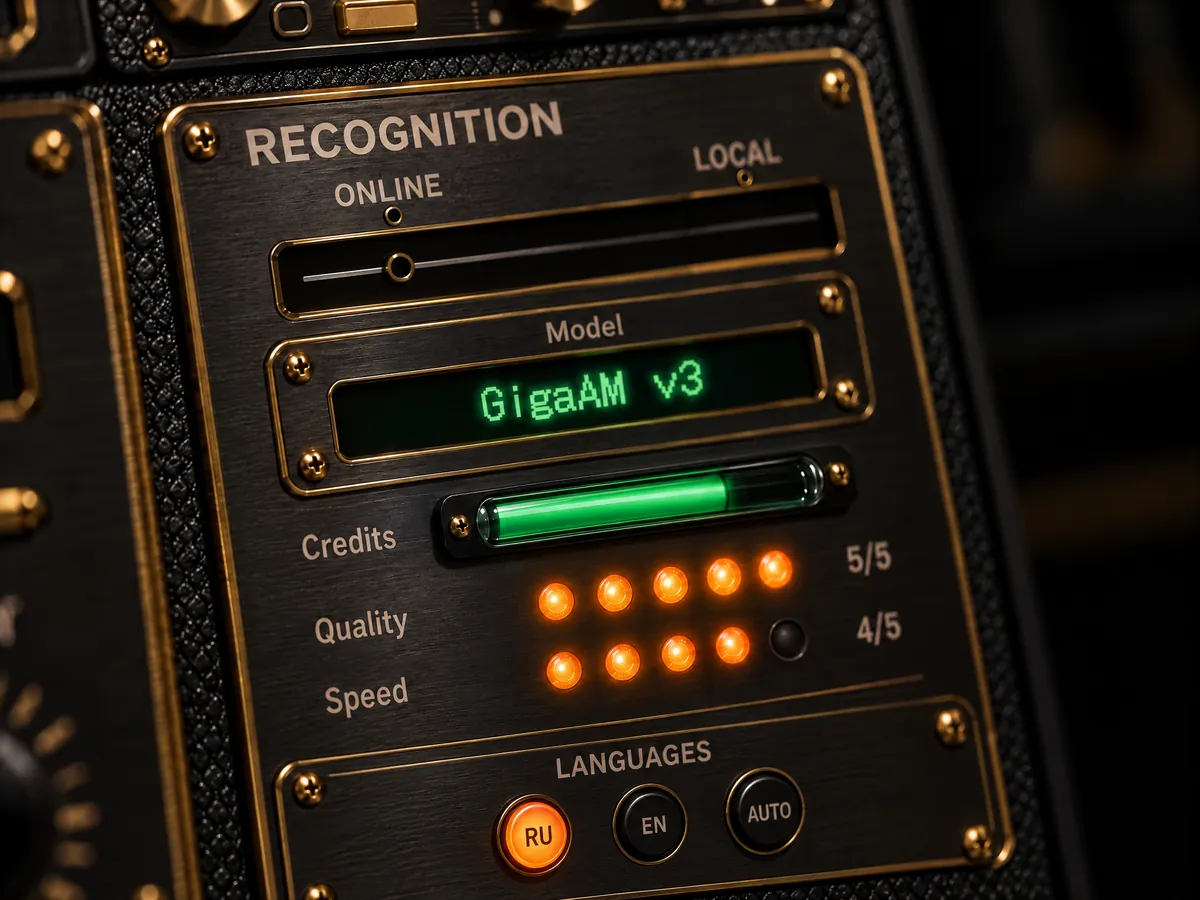
The language keys are at the bottom of the RECOGNITION panel. Press + to add Hindi, English or any of the 33 languages, and press a key to switch.
The app in Hindi
The interface is translated into Hindi: मॉडल, क्रेडिट, गुणवत्ता, गति, the setup window and the tips. Change it in SETUP; it does not change the dictation language.
Free and Pro
Free
- 2,000 words a day with any engine, online or offline.
- Hindi through Google live, or Whisper and Vosk offline.
- One audio or video file and one video link a day, up to 60 minutes each.
- Not included: Soniox.
Pro
- No daily limit on the Standard engine and offline models.
- Soniox, 1,500 minutes a month, for Hinglish and long recordings.
- Files and links without limits.
- Soniox minutes renew every month and do not carry over.
Pro is $14.99 a month or $9.99 a month billed yearly, with a 14-day refund.