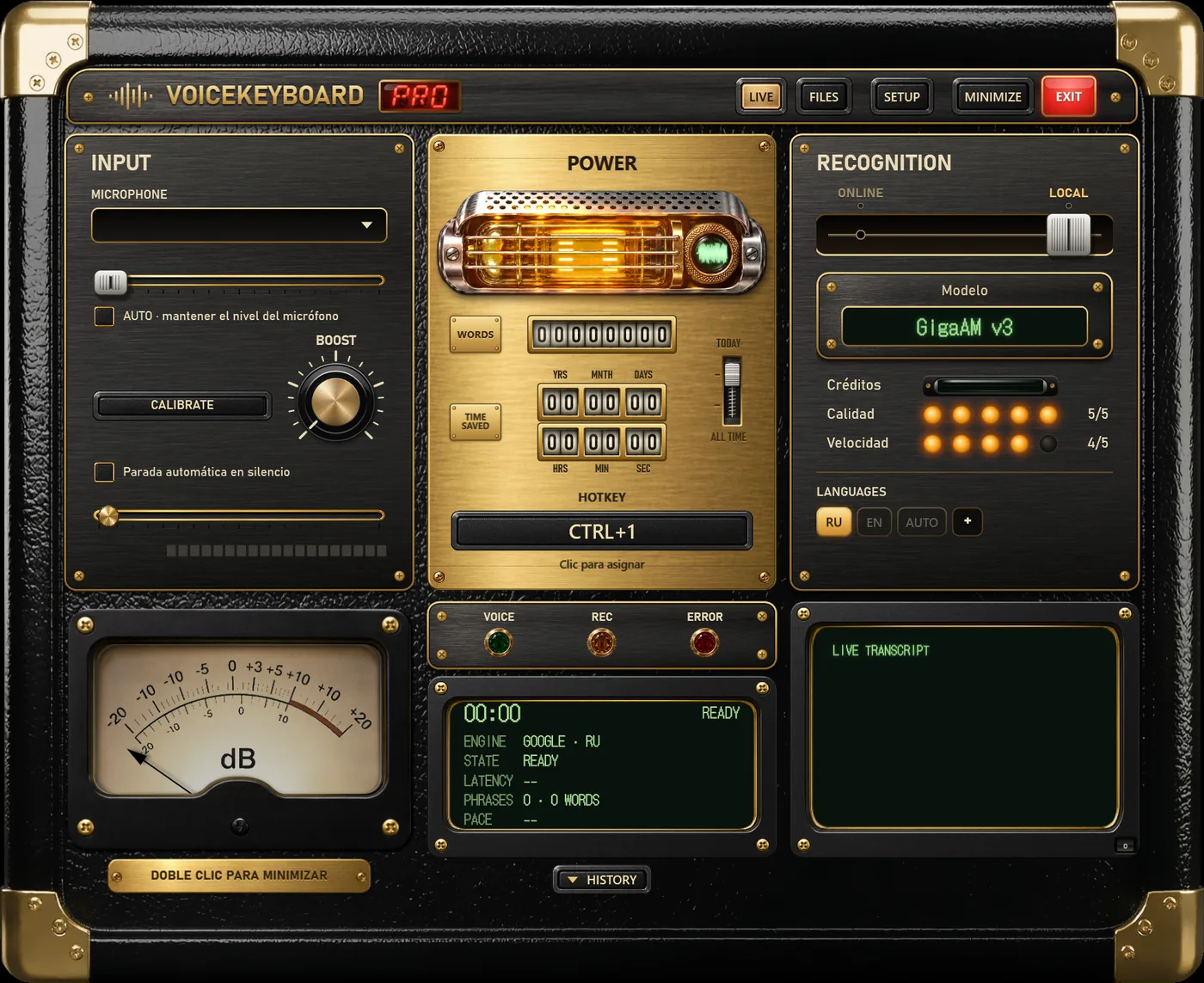
Five engines understand Spanish
Every engine in VoiceKeyboard except the two Russian-only models can type Spanish. What changes from one to another is where the speech is processed and how they deal with a second language.
- Soniox (Pro, online). Types while you speak, recognises Spanish and English by itself and can change language inside one sentence.
- Standard, by Google (free, online). Types while you speak, one language at a time: the one whose key is lit.
- Whisper (free, offline). Text after each phrase. With the AUTO key it works out the language of each recording.
- Parakeet v3 (free, offline). Made for 25 European languages, Spanish among them. Detects the language and adds punctuation.
- Vosk (free, offline). A small Spanish model that types while you speak; good on slow computers.
Spanish and English in the same day
Most people who dictate in Spanish also write in English. There are two ways to handle that.
With an engine that detects the language (Soniox, Whisper, Parakeet), press AUTO on the language row and just talk. Soniox is built for this: it marks each word with its language and can change language inside a sentence, so you do not have to split "mándale el report a Laura" into two dictations.
With the Standard engine or Vosk you choose the language with its key, ES or EN, before you start. If you speak English to a Spanish model, it will try to hear Spanish words, so when the result looks strange, check the key first.
The keys only show the languages you picked. Press + next to them and tick the ones you use.
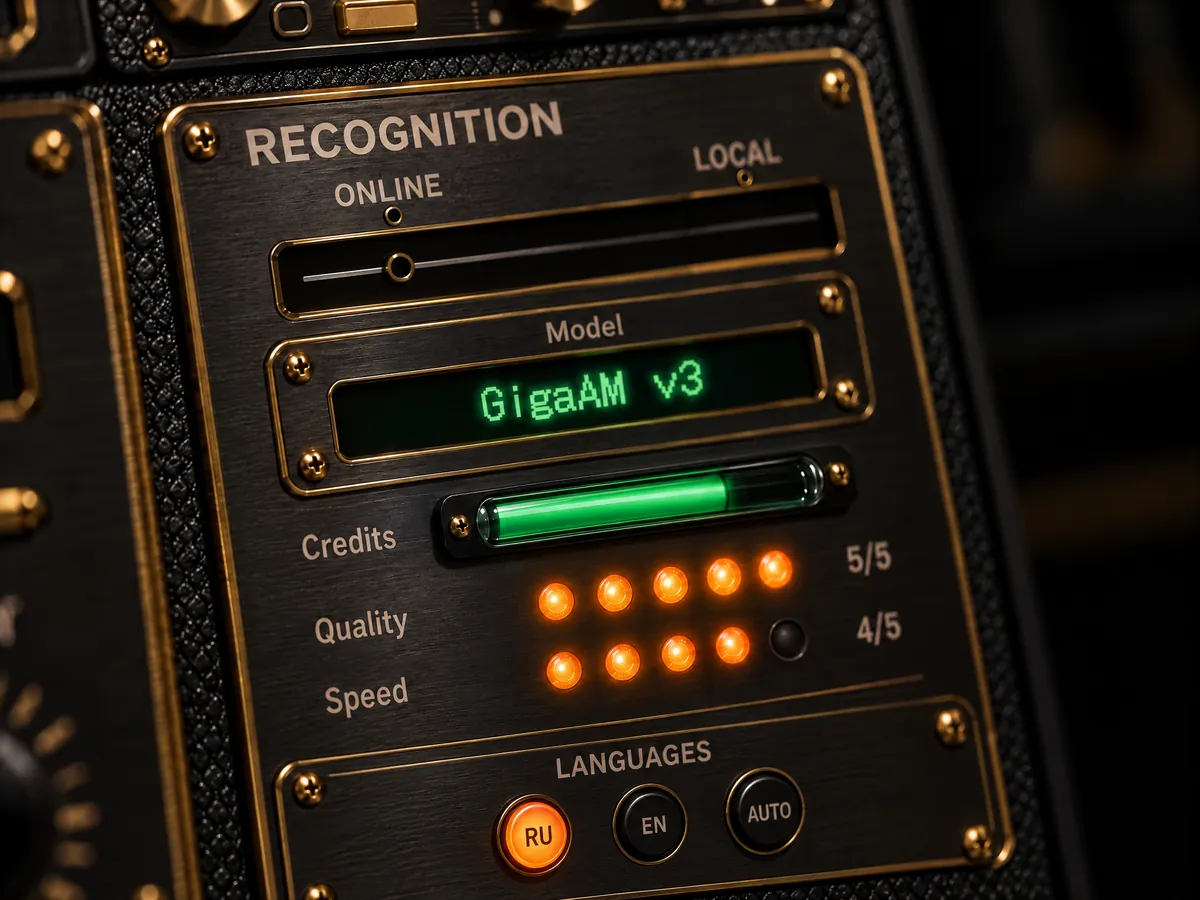
The app speaks Spanish too
The interface itself is available in Spanish: Créditos, Calidad, Velocidad, the setup window and the tips. You change the interface language in SETUP; it does not affect the dictation language.
Without the internet
Parakeet, Whisper and Vosk run on your PC. Each downloads once inside the app, and after that the audio stays on the computer. That is useful on a train, on a plane, or for notes that should not go to any server. Transcribing audio and video files is always done offline.
What is free
Free
- 2,000 words a day, any engine, online or offline.
- One file and one video link a day, up to 60 minutes each.
- The interface in Spanish and every offline model.
- Missing: Soniox, so no automatic switching inside a sentence on the online side.
Pro
- No daily limit on the Standard engine and offline models.
- Soniox, 1,500 minutes a month: mixed Spanish and English, long meetings.
- Unlimited files and links, several at once.
- Keep in mind: unused minutes expire when each monthly period ends (it starts on the day you paid).
Pro is $14.99 a month or $9.99 a month billed yearly, with a 14-day refund.